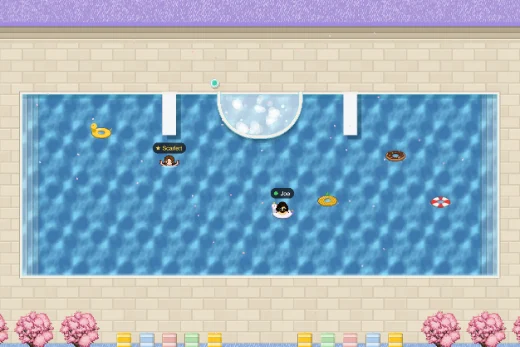
Interactive virtual space
Walk, run, scoot, or swim your custom avatar around lots of rooms in a highly interactive virtual event space.
Workmates lets you create a private event space of your own for connection and collaboration. Host a space, share the link, walk around, and chat together. No accounts required.
There are dozens of virtual collaboration tools, but Workmates isn't trying to replace the ones you already use every day. It's a platform built specifically for your one-off event, offsite, town hall, or team socials.
Simply create a new space, follow a few steps to customise your space, then invite your team to join using a unique access link. They can then create their avatar and give the space access to their webcam and microphone.
Every space intentionally expires after 24 hours, so you can casually jump in and start hanging out instantly. It's heaps casual and fun.
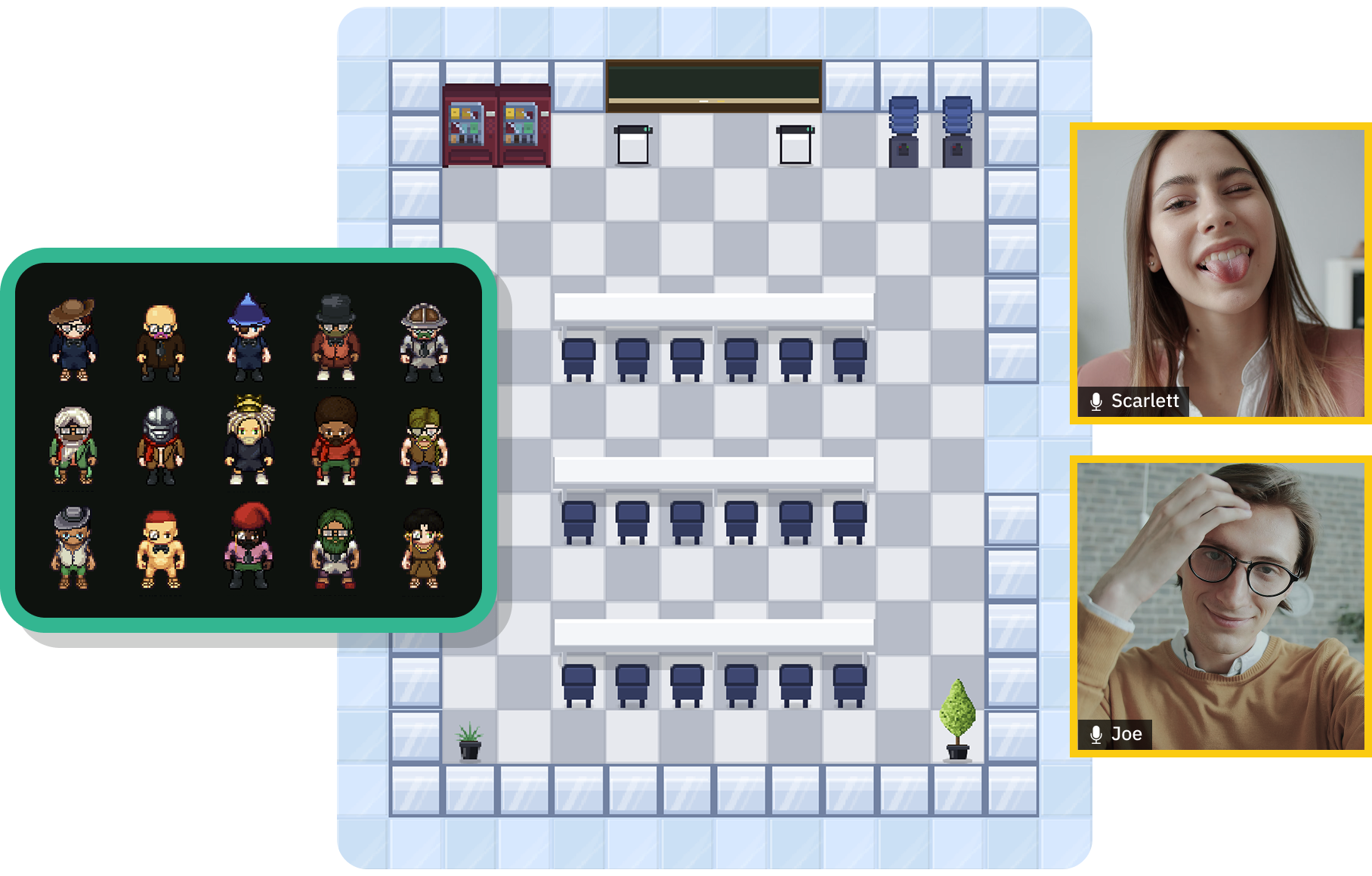
Workmates packs the essentials of in-person connection into one shared space. Move around, talk naturally, and play together without juggling five different apps.
Walk, run, scoot, or swim your custom avatar around lots of rooms in a highly interactive virtual event space.
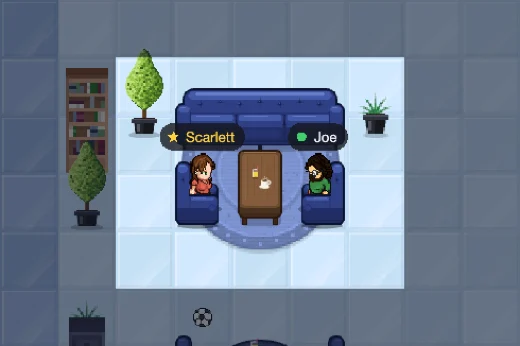
Voices fade in and out and pan left and right as you move around the space, like being together in the same room.
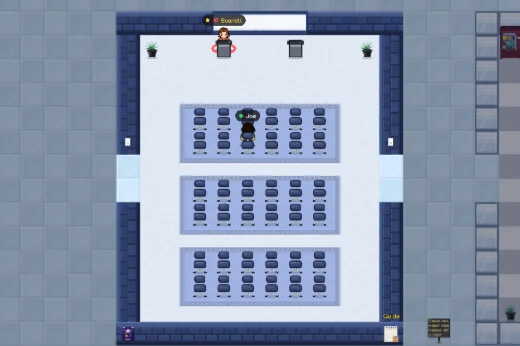
Present your window or tab to the whole room, right from within the space. No separate software necessary.
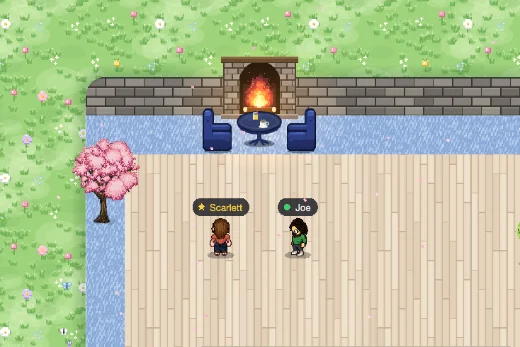
Choose a seasonal theme from springtime to spooktober. You can add your own banners and decorations too!
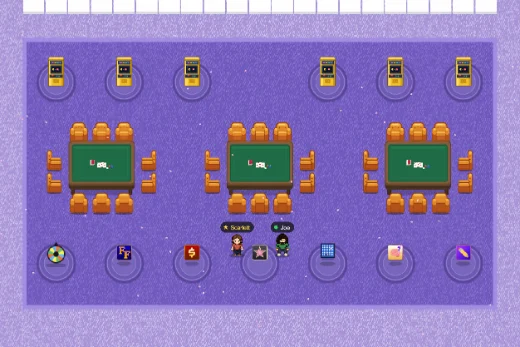
Play multiplayer games like Wheel of Fortune, The Price is Right, Celebrity Heads, Connect Four, or embed your own.
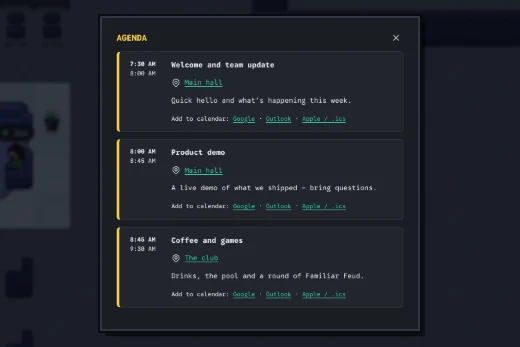
Schedule the entire day's sessions and automatically remind guests before each agenda item starts.
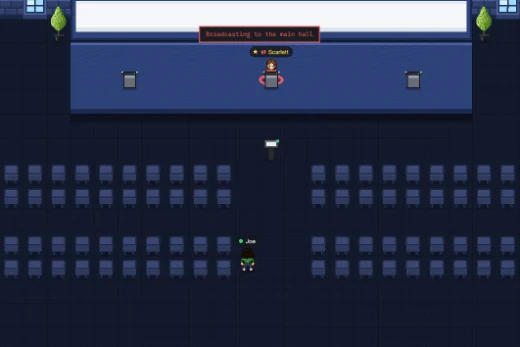
Take the stage for an all-hands showcase or break into meeting rooms. There's even a club with a spa and swimming pool.
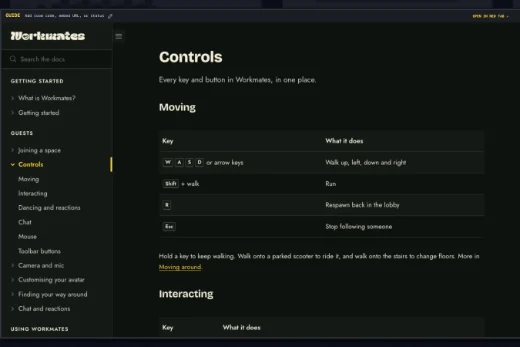
Embed Figma, Google Docs, PDFs or any website directly into your space for easy access and collaboration.
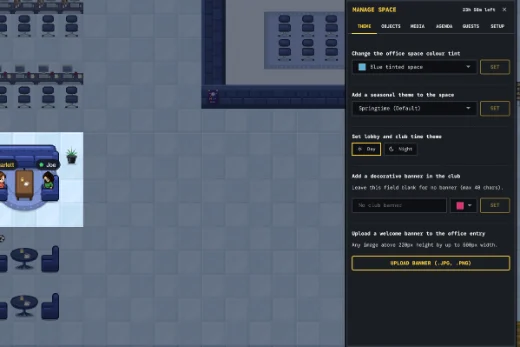
Manage guest access, assign co-hosts, video record sessions, broadcast to the space, and more.
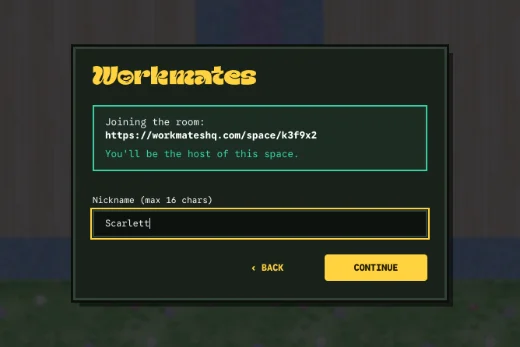
Guests enter through a unique access link and an optional join password. No accounts, downloads or sign-up forms.
Things you might ask before you host your first virtual event.
No. Guests just open your unique access link, type a name, and they're in. Hosts can set an optional password to the space for extra security. There's nothing to install and no account to set up as either a guest or host.
Every space is live for 24 hours from creation, which is enough for even a full-day offsite spread across time zones. When it expires, the link simply stops working and nothing lingers afterward.
If your event runs for multiple days, you'll need to create a new unique access link for each day. Guest names and avatars will carry over to the new space.
During the Alpha, a space holds up to 80 guests. Anyone joining once it's full is told the space is full.
Those tools are built for your everyday meetings. Workmates isn't trying to replace them. It's built for the one-off: an offsite, a town hall, or a team celebration where you want people to walk around, bump into each other, and play together, not sit in a grid of video tiles.
Gather is built as a persistent virtual office your team logs into day after day. Workmates is built for the one-off: there's no ongoing space to set up or maintain and no account required for hosts or guests. Just create a link, share it, and the space automatically expires after 24 hours once your event is done.
Yes, on paid tiers you can give the venue a custom name, theme the space, and add a welcome banner or branding. Paid tiers can also add a join password so only the people you've invited can get in.
Yes. Video and voice chat fade in and out with proximity, so conversations feel natural as people walk around and approach each other, and anyone presenting from the main hall or a meeting room can share their screen to that room. Screen sharing is only available on paid tiers.
All spaces are limited to 80 guests because every guest is streaming live video, audio, and movement in real time. Past that point the room starts to feel sluggish for everyone in it, so we've held the limit there while we keep improving performance under the hood.
No accounts or downloads. Just an in-browser space, ready when your guests are.